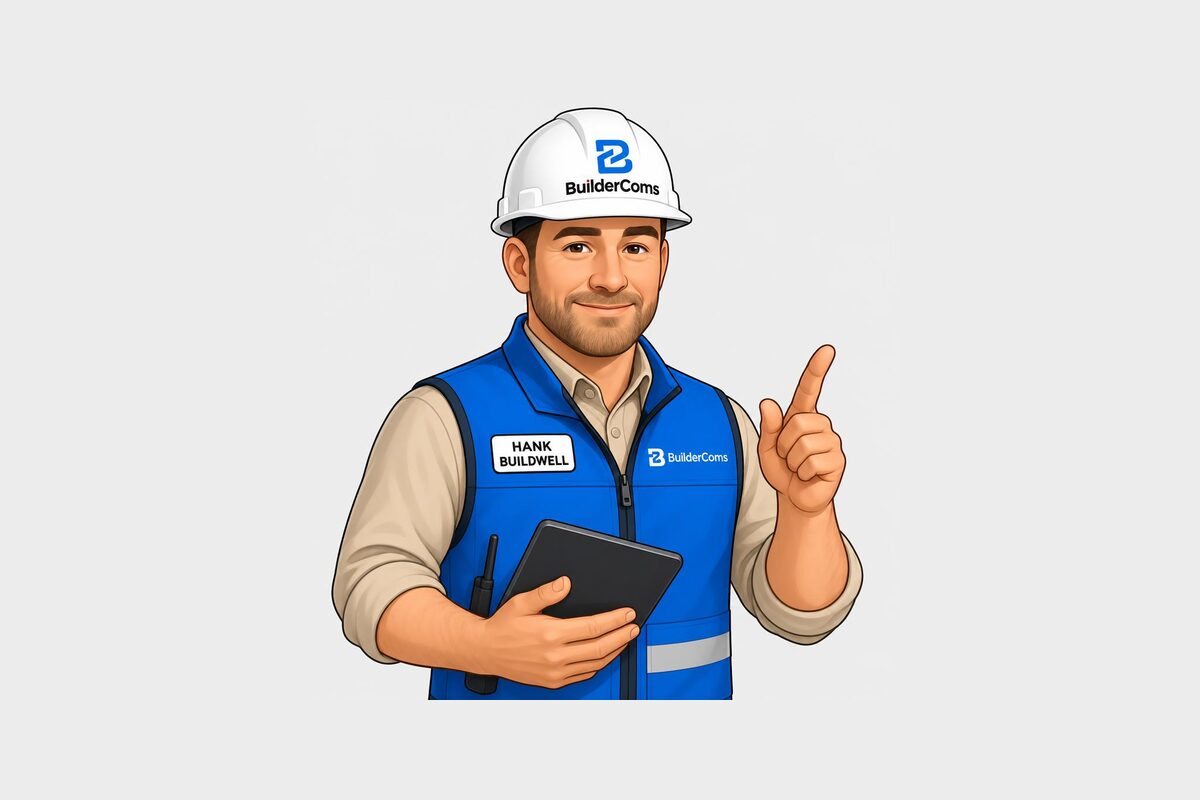
BuilderComs now includes Hank, an AI job assistant built for contractors. You can talk or type to Hank about your whole company or about a single job, and he helps you get answers and get work written up faster.
The quick answer
Hank answers questions from your own job records and drafts the jobs, tasks and messages you ask for. He never saves or sends anything on his own. Every draft waits for you to review it and confirm.
Why we built Hank
Most contractors don't have time to sit at a desk and type updates. You're on a roof, in a crawlspace or driving between jobs. The information you need is already in your job conversations, tasks and schedule. Hank lets you get to it by asking a simple question.
What you can ask Hank
- "What's due today?"
- "What's on the schedule this week?"
- "Send the Miller client a note that the inspection moved to Thursday."
- "Add a task to order trim for the Oak Street job."
- "Start a new job for a kitchen remodel at 14 Pine Road."
Hank pulls the answer from the jobs you can already see, or prepares a draft for you to check.
You stay in control
This was the most important rule when we built Hank: he drafts, you approve. A client message is shown to you word for word before it goes out. A new job shows the address and client so you can fix anything first. If it isn't right, edit it or throw it away.
Hank also follows your team's roles. Crew members only get answers about the jobs they're assigned to, and team and client conversations stay separate.
Talk or type
Chat with Hank by text, or tap the microphone and speak. Your words show up as text you can fix before you send, which helps on a noisy jobsite.
How to try Hank
Hank is included in every BuilderComs plan. Start a 7-day free trial, open any job and ask Hank a question. You can read more on the Hank page or compare plans on our pricing page.