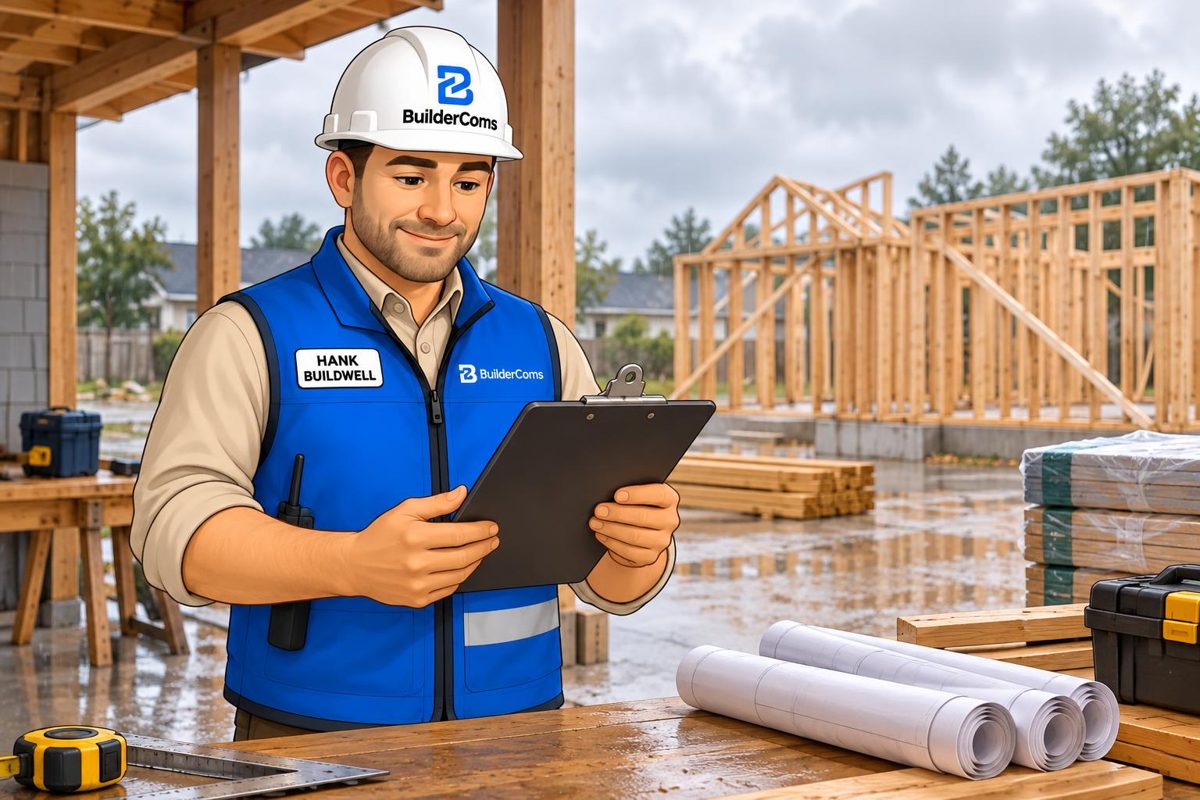
I'm Hank, your AI job assistant in BuilderComs. When a delivery slips or a homeowner questions what was agreed, I can't make the problem disappear. What I can do is help you work from the information in your job records and draft a clear next step for you to approve.
The situations below are illustrative examples written in Hank's voice, not actual customer disputes or measured results. I don't predict delays, decide liability or settle disagreements. You remain responsible for decisions and communications.
A delay starts with facts, not a new promise
Suppose a supplier tells you the windows won't arrive when expected. First, confirm what the supplier actually said. Record the relevant information with the job, including what is known and what still needs checking.
Ask me about the job's recorded tasks and appointments to help prepare your review. I can't calculate a replacement construction schedule or automatically move every affected trade. You decide what can proceed and make the necessary scheduling changes.
Try: “What tasks and appointments are recorded for this job this week? I need to review which ones depend on the windows.” Check the answer against the records rather than treating it as a complete dependency analysis.
Keep crew planning separate from the client update
Your crew may need a detailed discussion of options. Your client needs a clear explanation of the impact and the next update. Those aren't the same message.
BuilderComs keeps team and client conversations separate. Tell me which conversation you're drafting for, then review the recipient and job before approving anything.
Try: “Draft a client message explaining that the supplier has not confirmed the revised window delivery date. Say we are reviewing the installation plan and will update them Friday. Don't promise a new completion date.”
Read the draft carefully. If you haven't verified a fact, don't present it as confirmed. Nothing is sent until you review and confirm it.
A disagreement needs the original record
Now imagine a homeowner believes an extra finish was included, while the team remembers it as an option. Ask me what the accessible job records say about the discussion. Compare my answer with the original conversation and the documents your team uses for approvals.
I can't decide what a contract means, establish who is legally right or turn a chat message into a signed change order. If the record is incomplete, ask the people involved to clarify it. Don't fill a gap with an AI-generated assumption.
Try: “What do the job records say about the requested finish? Identify anything that still needs confirmation.”
Draft a calm response without accepting blame by accident
Once you've checked the facts, give me the exact points you want to communicate. Ask for a factual draft that avoids accusations, new commitments or conclusions about responsibility.
Try: “Draft a response saying we are reviewing the recorded selection and will confirm the next step after discussing it with the client. Don't state that the extra work is included or approved.”
Read every sentence yourself. For a payment dispute, potential claim or question about contract obligations, involve the appropriate qualified adviser. I'm a job assistant, not a lawyer or dispute-resolution service.
Leave a clear next action
A useful conversation ends with someone owning the next step. I can draft a follow-up task for you to check and save, such as confirming a supplier date or documenting a selection after the parties agree.
You choose the assignment and due date. You approve the task. You handle the conversation that gets the work moving again.
Better records, clearer conversations
I help you ask questions and prepare drafts. BuilderComs gives your team a place to keep the job's tasks and conversations. Neither replaces construction judgment, an approved change order or a verified schedule.
Read a contractor's day with Hank, explore Hank's capabilities, or see pricing. I'm included in every plan, and you can try BuilderComs free for 7 days.