Contractors are hearing a lot about AI. Most of it is built for office workers. Here is how an AI job assistant actually helps a construction business, and what to watch out for before you trust one with your jobs.
The quick answer
An AI job assistant for contractors answers questions from your job records and drafts updates, tasks and messages for you. The good ones never act without your approval and only see what each person is allowed to see.
What a job assistant should do
Answer questions from your own jobs. A general chatbot doesn't know your schedule. A job assistant should answer "what's due today?" from your actual tasks and appointments.
Write the updates you hate writing. Client updates, crew reminders and new job details take time. An assistant should draft them in seconds.
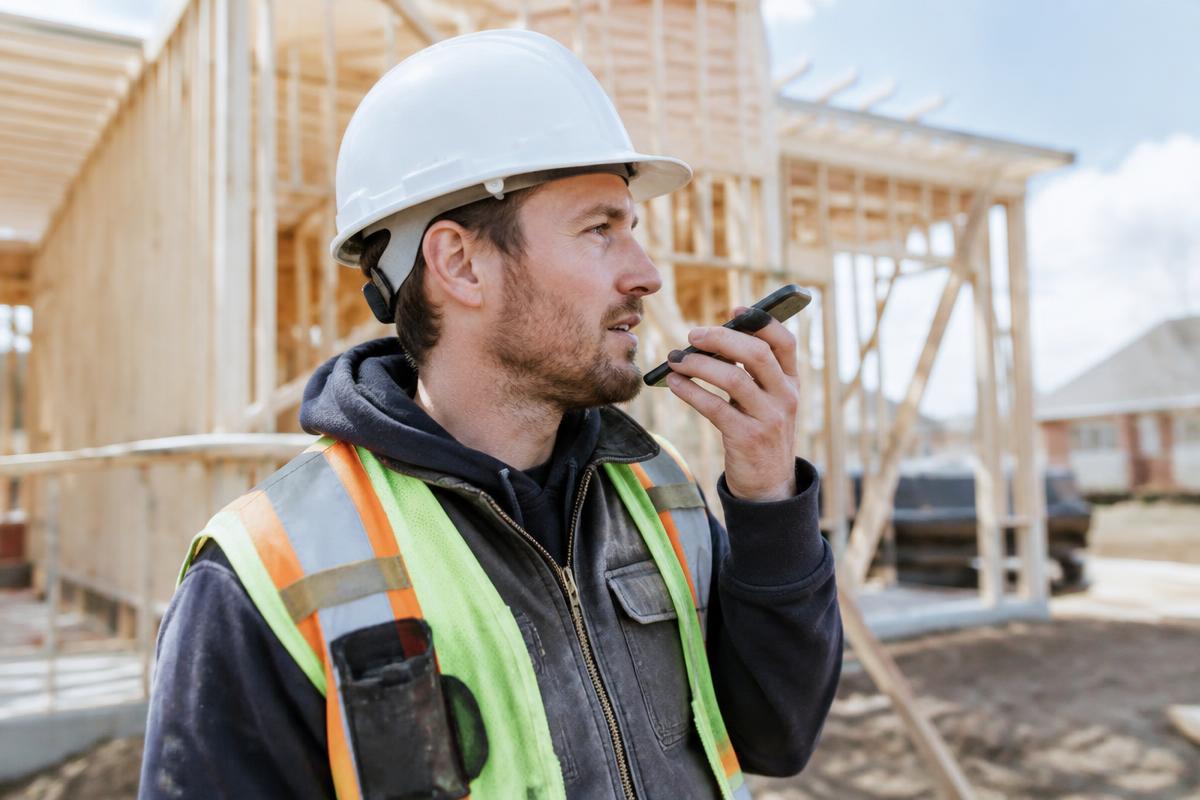
Work from the field. Speaking should be an option, because your hands are often full.
What to watch out for
- Tools that send things on their own. A wrong message to a client costs more than the time saved. Look for review before sending.
- Tools that ignore permissions. Your crew shouldn't see every client's details. The assistant should follow the same roles as your software.
- Tools disconnected from your jobs. Copying and pasting between a chatbot and your job app wastes the time you were trying to save.
Questions to ask before you buy
- Does it read my real jobs, tasks and schedule?
- Does it show me a draft before anything is saved or sent?
- Does each person only see their own jobs?
- Is it included in the price, or an extra charge?
How Hank in BuilderComs handles this
Hank lives inside each job in BuilderComs. He answers from your job records, drafts jobs, tasks and team or client messages, and waits for you to approve every one. He's included in every plan.
If you're comparing general AI chat tools, our guide to the best AI chat tools for construction covers ChatGPT, Claude and others. When you want AI that knows your jobs, start a 7-day free trial or see pricing.